


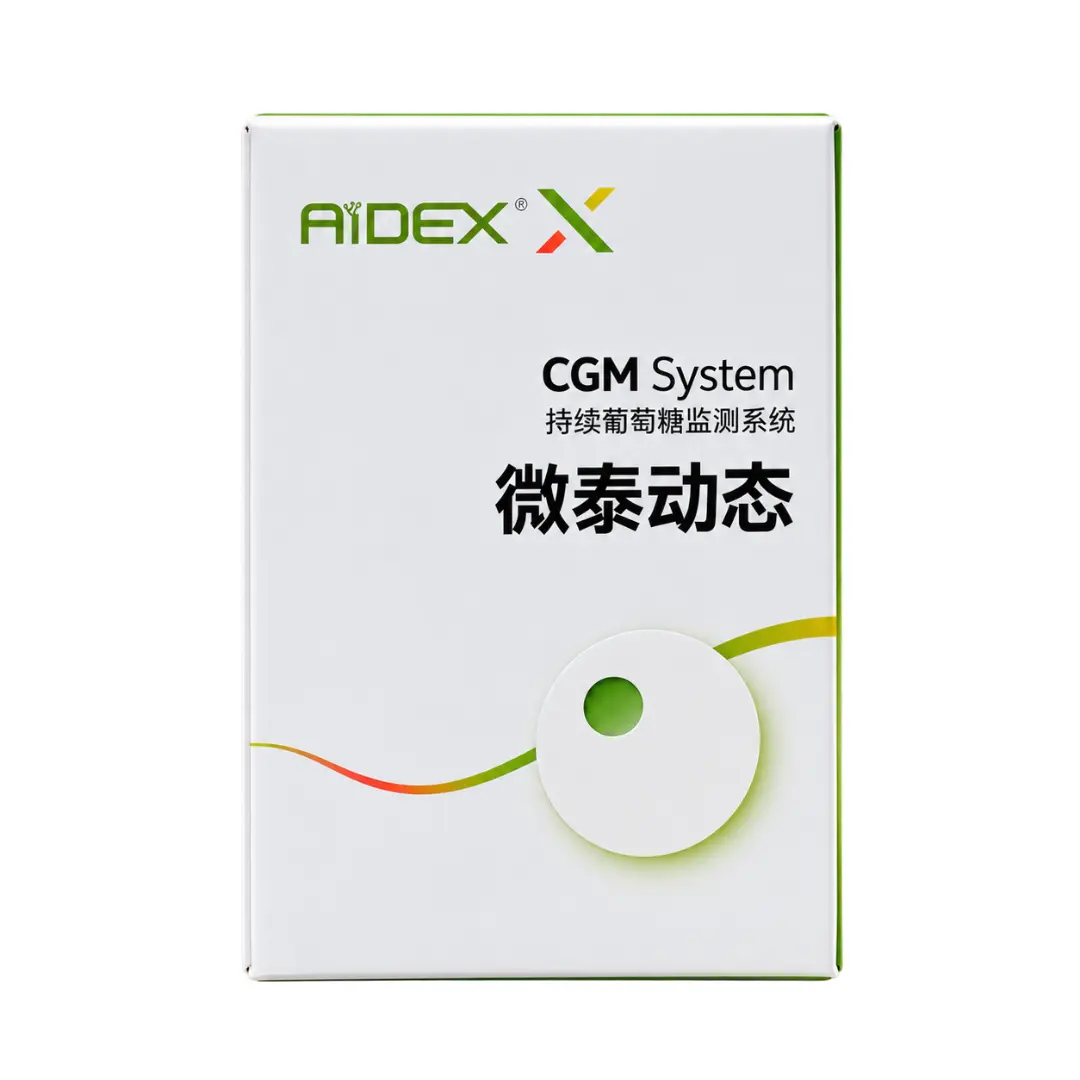
Aidex-X Continuous Glucose Monitor with Smartphone Connectivity




City: SY, Damascus
- Bluetooth
- 1*Continuous Glucose Monitor
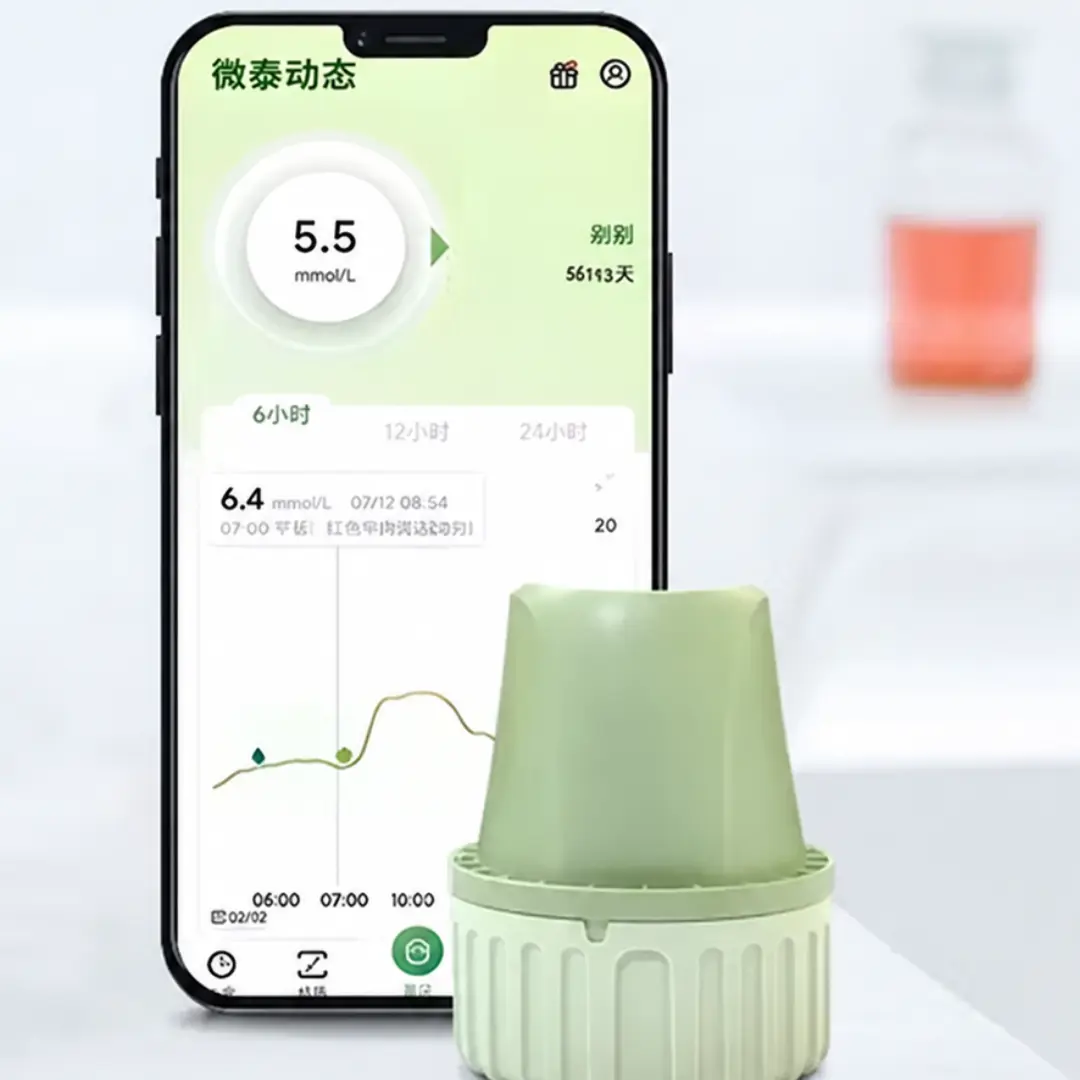
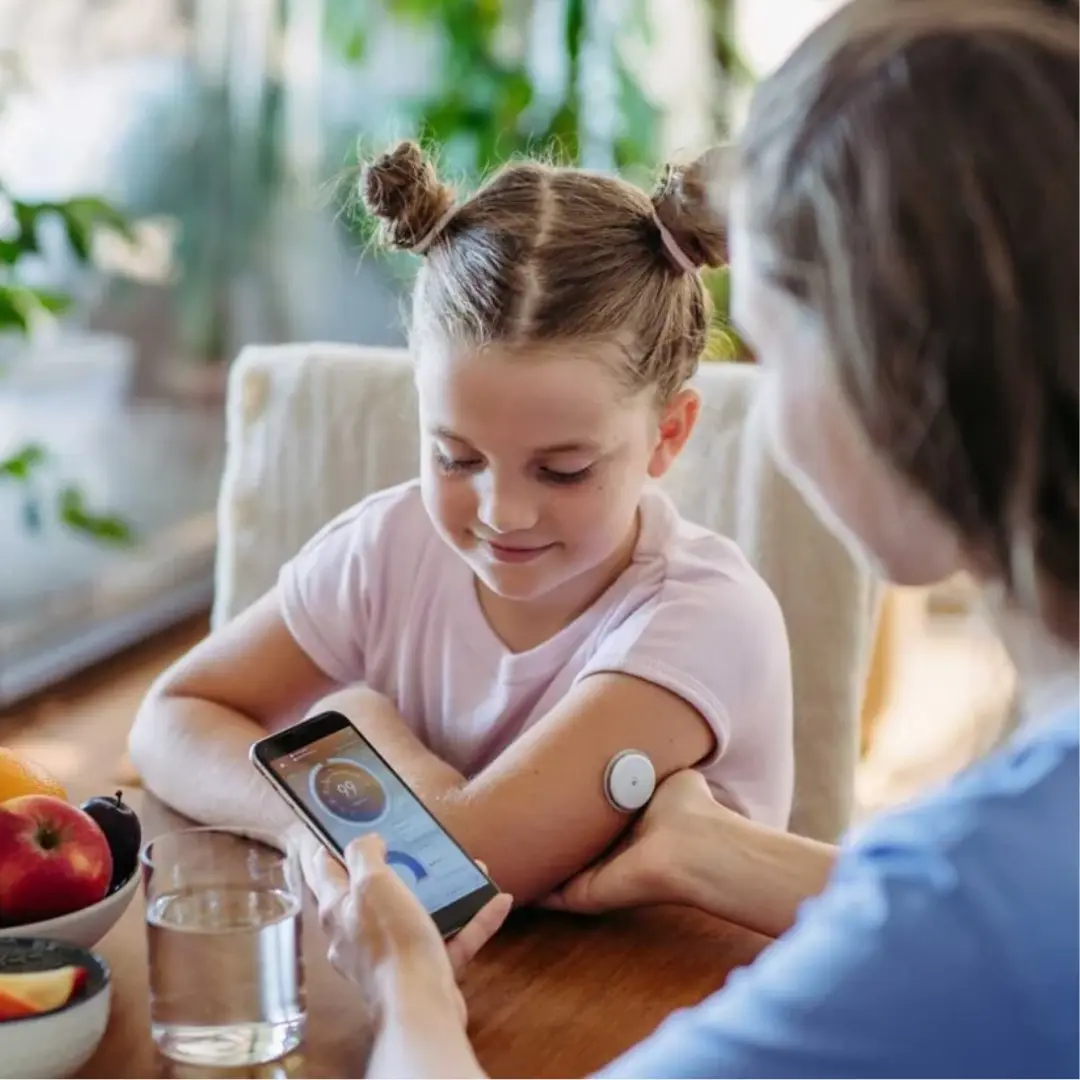
- Measures glucose levels every minute from the fluid between cells using a small sensor.
- Provides continuous monitoring for up to 15 days.
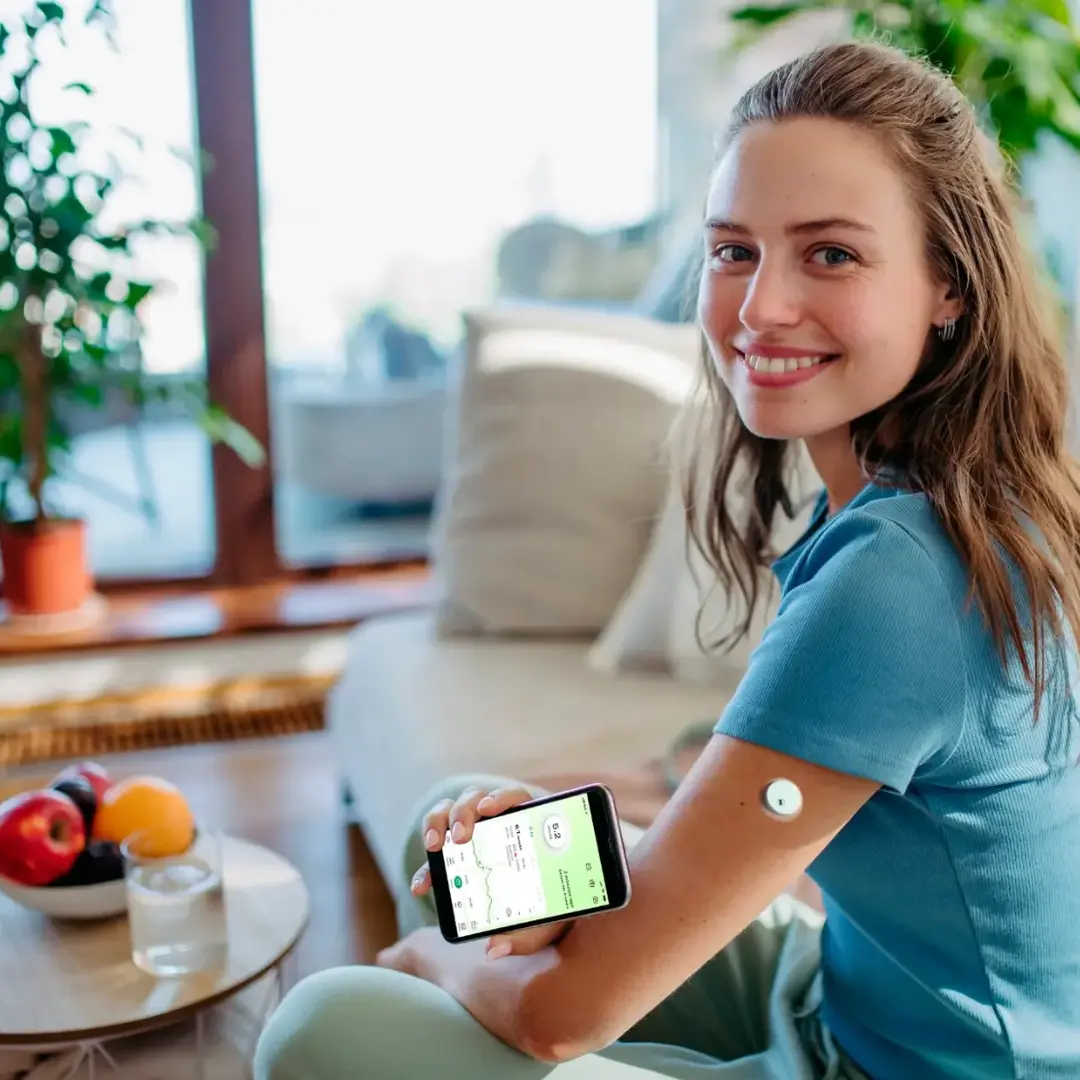
- Automatically sends readings to the LinX CGM app via Bluetooth.
- Displays the current glucose level, whether it is rising or falling, and previous readings.
- Allows you to set custom thresholds for low and high glucose alerts.
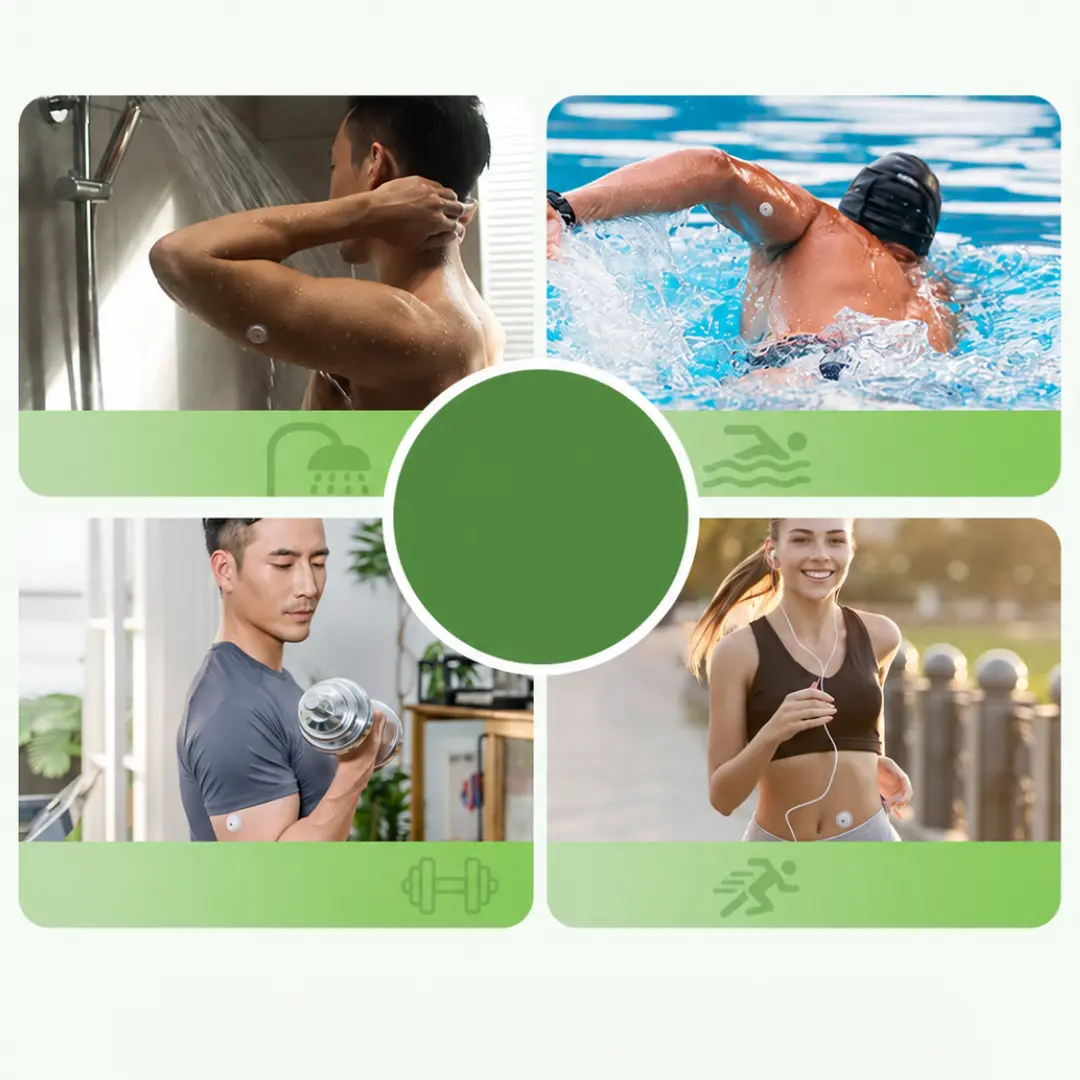
- IP68 water-resistant design, suitable for immersion up to 1.5 meters for 30 minutes.
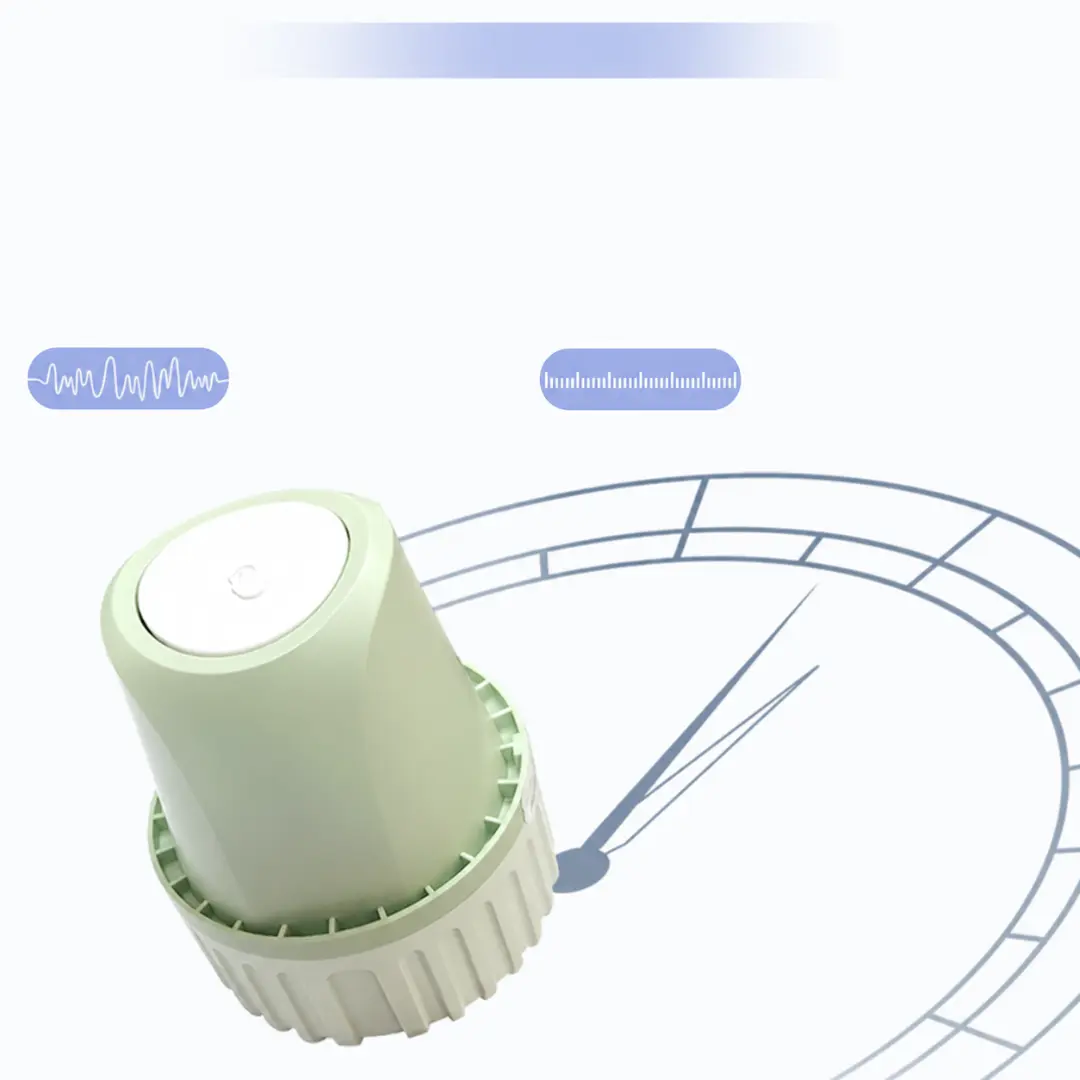
- An all-in-one sensor with integrated sensing and transmission components, requiring no separate transmitter.
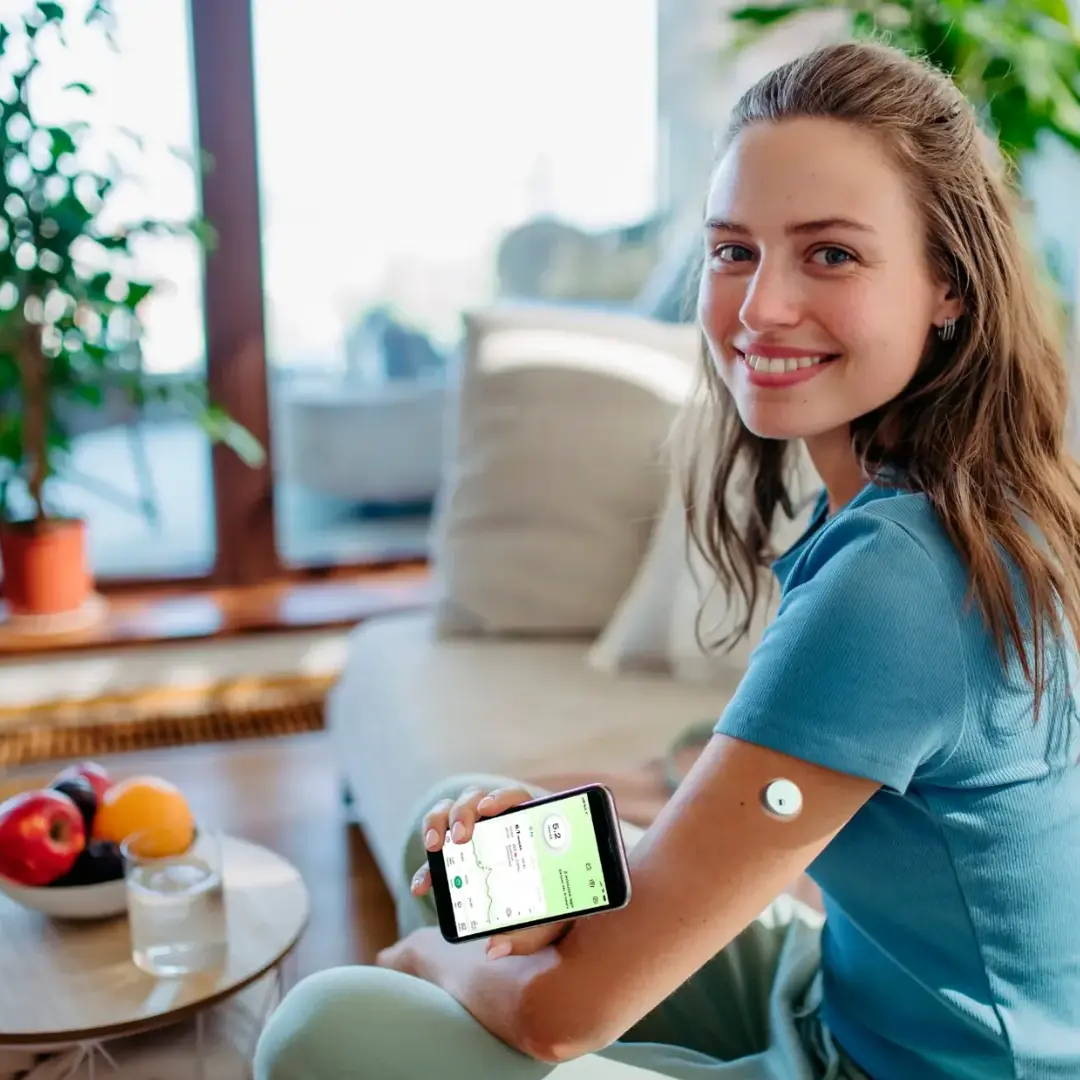
- Applied to the back of the upper arm or the abdomen, approximately 3–10 cm from the belly button, using the included applicator.
- Replace the sensor when its wear period ends. Used sensors cannot be reused.
How to Use
1- Download the App and Set Up Your Account:
Download the LinX CGM app on a compatible phone.
Create an account and complete the required verification.
Enable Bluetooth and grant the app permission to connect and send notifications.
The sensor can be linked to one account at a time. Readings can be shared through the app's sharing feature.
2- Choose an Application Site
Choose the area where you will apply the sensor.
Avoid irritated skin, scars, moles, and areas exposed to repeated friction or pressure.
Use a different application site for each new sensor.
3- Clean the Skin
Make sure the skin is clean and free of oils, creams, and soap residue.
Clean the application site with an alcohol wipe.
Allow the skin to dry before applying the sensor.
4- Apply the Sensor
Open the package and remove the applicator cover according to the included instructions.
Position the applicator opening over the selected site and hold it firmly against the skin.
Press the sensor insertion button and wait a few seconds after the insertion mechanism activates.
Gently lift the applicator away and make sure the sensor and adhesive are securely attached.
5- Pair with the App
Open the app and select Pair / Pairing.
Select the sensor whose serial number (SN) matches the number printed on the package.
Tap Pair to connect.
Wait for the warm-up period shown in the app to finish before monitoring readings.
6- Monitor Readings and Alerts
Set the high and low glucose alert thresholds as directed by your doctor.
Keep your phone within connection range, with Bluetooth and notifications enabled.
Replace the sensor when its wear period ends or when prompted by the app.
No reviews found
